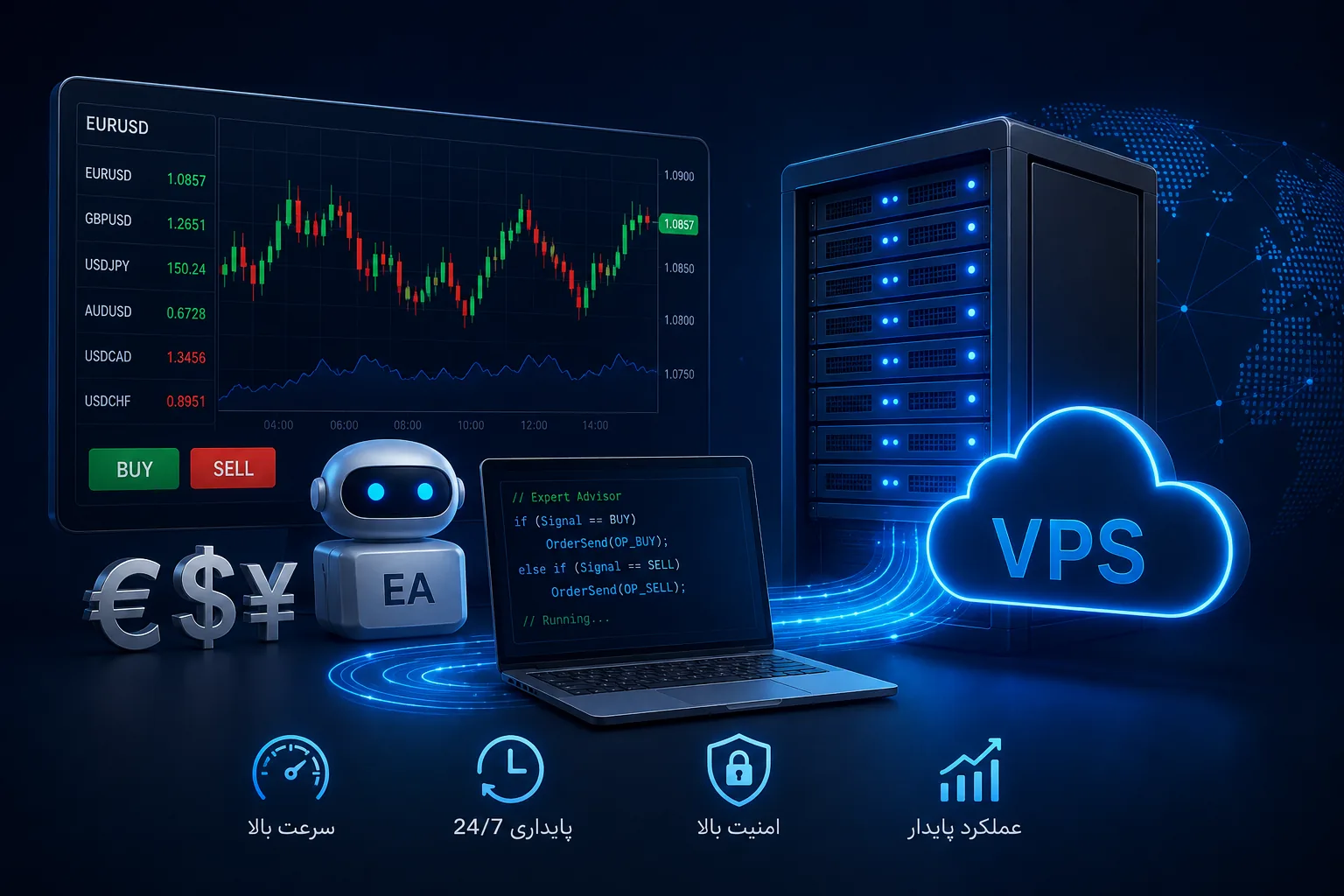
Virtual Forex Server is a vital tool for traders who want to run their trades and trading robots in a stable and round-the-clock manner without depending on a personal computer and home internet. In the forex market, where a delay of a few hundredths of a second or a momentary outage can mean the loss of a profitable trade, having a stable and low-latency infrastructure is a real competitive advantage. In this article we will examine why and how to use VPS for Forex trading.
Whether you are a manual trader who wants the Metatrader platform to stay on all the time, or an algorithmic trader who runs expert advisors (robots), a virtual server ensures that your trades continue uninterrupted even when your computer is turned off or the power goes out.
Why do Forex traders need a virtual server?
Running transactions on a personal computer has several basic problems that a virtual server solves all of them:
- 24/7 Stability: The forex market is open 24 hours a day, but you can't keep your computer on all the time.
- Independence from home electricity and internet: Power outages or internet fluctuations can turn an open deal into a disaster.
- Low Latency: Servers close to the broker increase the speed of command execution.
- Non-stop execution of robots: Expert advisors must work non-stop so that trading opportunities are not missed.
- More security: A server environment is more secure than a personal computer exposed to malware.
Tip: For a trading robot, even a few minutes of downtime can mean missing an entry signal or not closing a losing trade in time. Sustainability is the most important criterion.
Features of a good forex virtual server
Not all virtual servers are suitable for forex trading. An ideal Forex VPS should have these features:
Low latency and convenient geographical location
Latency is the most important criterion for fast trading. It means the time interval between sending the order from your server to its arrival at the broker's server. The closer your server is to the broker server in terms of network, the lower this delay. For this reason, it is very important to choose a data center with a suitable location.
High stability and uptime
A forex VPS must have a very high uptime; Preferably 99.9% or higher. Any outage will directly affect your open trades. Quality infrastructure with guaranteed resources is a prerequisite for this sustainability.
Enough resources for number of charts and bots
Resource consumption depends on the number of platforms, charts and bots you run. The following table is a rough guide:
| Application | CPU | RAM | explanation |
|---|---|---|---|
| A metatrader with multiple charts | 1 core | 2 GB | Suitable for manual traders |
| Multiple robots at the same time | 2 cores | 4 GB | Suitable for AlgorithmTrader |
| Heavy bots and multiple accounts | 4 cores | 8 GB and above | Suitable for professional traders |
Choosing an operating system: Windows or Linux?
Most Forex traders use a Windows virtual server, because popular platforms such as Metatrader 4 and 5 run natively on Windows and their graphical interface is more familiar. However, professional users who have their own custom bots or scripts sometimes prefer Linux for less resource consumption.
Who needs Forex VPS the most?
Although any trader can benefit from a virtual server, some groups need it more than others. If you fall into one of these categories, a virtual server is almost a requirement for you, not an option.
- Algorithmic Traders: Those who trade with robots and expert advisors and require 24/7 non-stop execution.
- Scalpers: Traders who work with fast, short-term strategies and are very sensitive to low latency.
- Traders with unstable internet: Those whose home internet quality is not reliable and don't want their transactions to fall victim.
- Multi-Account Managers: People who manage multiple accounts or strategies at the same time and need a centralized and stable environment.
- Busy Traders: Those who cannot sit at the computer all day and want the system to monitor the market for them.
If you are a trader who only occasionally makes a few simple trades manually and is always on the system, maybe you don't need a VPS right now. But as soon as you want to deal more seriously and professionally, the virtual server becomes an integral part of your work tool.
Setting up MetaTrader on the virtual server
The setup process is usually simple and consists of several steps:
- Get a Windows virtual server with adequate resources.
- Connect to the server via Remote Desktop.
- Download and install your broker's MetaTrader platform on the server.
- Login with your trading account information.
- Put your robots or expert advisors in the corresponding folder and activate them.
- Turn on the option of automatic execution of algorithms (AutoTrading).
After these steps, you can disconnect Remote Desktop and the server will continue to work; Your bots and trades run continuously even when your computer is off. To get started, you can use the Buy Virtual Server options that suit your business needs.
Note: After setup, be sure to set the server's power settings so that the system never goes to sleep mode and avoid disconnecting the connection to the broker.
Important security tips for Forex VPS
Because trading account information and sometimes considerable capital are circulating on the forex server, security is of double importance:
- Choose a very strong password for Remote Desktop connection.
- If possible, change the default RDP port to avoid automated attacks.
- Enable two-step authentication on your brokerage account.
- Only install essential software from trusted sources.
- Keep operating system and trading platform up to date.
Common mistakes traders make when choosing a VPS
Many traders make wrong choices due to ignorance. The most common are:
- Focus only on price: The cheapest VPS usually have low resources and poor stability, which is a disaster for the deal.
- Ignoring latency: Some traders only look at resources and ignore network latency.
- Under-resources: Running multiple bots on a low-resource server causes slowness and misbehavior.
- Ignoring support: In a trading crisis, quick access to technical support is critical.
If you want to learn more about server selection and infrastructure optimization, the Rapido Server Articles collection has many useful resources.
Economic benefits of using Forex VPS
Sometimes new traders think that the cost of a virtual server is an additional burden on their shoulders. But if we look more closely, this cost is very small compared to the value it creates. Imagine that due to a power or internet outage, an open trade of yours moves in the wrong direction and you cannot close it; The loss of such an event can be many times more than the cost of a few months of server.
In addition to preventing losses, the virtual server allows the implementation of strategies that are not possible in the normal state. For example, robots that need to monitor the market 24 hours a day and enter trades at the right moment are not viable at all without an always-on infrastructure. In this way, VPS is not an expense, but a tool to open up new trading opportunities.
Tip: Think of the server cost as part of the cost of your trading business tool, not an additional cost. This view will help you make a more rational decision.
The difference between Forex VPS and normal VPS
You might ask why you can't use any normal virtual server for forex. The answer lies in the subtle but important differences that distinguish a Forex VPS from a general VPS. Although the basic infrastructure is the same, the optimizations and priorities are different.
In a public VPS, the focus is usually on large amounts of storage, high bandwidth, or processing power for web servers. But in Forex VPS, the main priority is connection stability, low network delay compared to the broker's servers, and guaranteeing uninterrupted execution of processes. A delay of a few hundred milliseconds, which is insignificant for a website, can lead to price slippage and losses in Forex.
| Feature | Normal VPS | Forex VPS |
|---|---|---|
| Top priority | space and bandwidth | Stability and low latency |
| Server location | Close to users | Close to the broker server |
| Sensitivity to interruption | average | very high |
| Common operating system | Linux | Windows (for Metatrader) |
How to measure your server latency?
Before the final selection of the server, it is better to measure its connection delay to the server of your broker. The simplest tool for this is the ping command, which shows the average round-trip time of data packets. The lower this number, the faster the execution of trading orders.
# سنجش تأخیر به سرور کارگزار
ping broker-server-address.com
# نمونه خروجی: میانگین زمان رفت و برگشت بر حسب میلیثانیهIn addition to ping, many trading platforms such as Metatrader display the delay of connecting to the broker's server in the corner of the screen. After the server is up and running, check this number and if it's higher than expected, consult with support about more appropriate data center options.
Note: Sustained latency is more important than low instantaneous latency. A server that always has moderate but consistent latency is better than a server that is sometimes very fast and sometimes very slow.
Remember that network latency is only one of the factors affecting the speed of transactions. The quality of your broker's connection, the processing load of the server and even the type of trading strategy play a role in the final result. So instead of focusing on just one number, consider all of these factors together and choose a server that strikes a good balance between them all.
Multiple account management and trading strategy
Many professional traders manage multiple trading accounts or strategies at the same time. A virtual server allows you to run all of this in a centralized environment, without worrying about your PC's resources.
However, you should note that every platform and every bot consumes resources. If you want to run several metatraders with multiple bots at the same time, you need to increase the server resources accordingly. An under-resourced server that is overloaded will cause slow performance and even loss of signals, which is exactly the opposite of the main purpose of using a VPS.
Recommendations for greater sustainability
- Choose a little more server resources than your minimum requirement to give yourself some breathing room.
- Do not run unnecessary platforms on the server so that resources are spent on transactions.
- Periodically check server performance and resource consumption.
- Make sure the server's Internet connection to the broker's server is stable.
summary
Forex virtual server has become a necessity for every serious trader. With a stable and low-latency VPS, you can be sure that your trades and bots are running 24/7 without depending on your PC, electricity or home internet. The key to making the right choice is to pay attention to stability, low latency, sufficient resources, and security at the same time. Investing in a quality infrastructure pays for itself many times over in the long run by avoiding lost deals.
Frequently asked questions
To run Metatrader on VPS, is Windows or Linux better?
Windows is more suitable for most traders, as Metatrader 4 and 5 run natively on Windows and have a more familiar graphical interface. Linux is more suitable for professional users who have bots and custom scripts and care less about resource consumption.
How much resources are required to run multiple trading bots?
To run multiple bots at the same time, at least 2 processor cores and 4 GB of RAM are recommended. If you have heavy bots or multiple trading accounts, it's better to upgrade to 4 cores and 8GB of RAM or more so that orders are executed without lag.
Does latency really have an effect on trading results?
Yes, especially in fast and scalping strategies, low latency can be the difference between executing an order at the optimal price and executing it with price slippage. Choosing a server with low latency over a proxy server is a real advantage.
Will my transactions continue on VPS even when my computer is turned off?
Yes, this is exactly the most important advantage of Forex VPS. After setting up Metatrader and activating bots on the server, you can disconnect Remote Desktop and turn off your computer; The server continues to execute transactions.