Remote Desktop access from any device
Connect to the server's desktop with Windows Remote Desktop, an RDP app on Android or iOS, or any other client. Your workspace is the same whether you connect from a laptop or from your phone on the go.
An always-on Windows machine you can reach from any device with Remote Desktop — for software that only runs on Windows.
A Windows VPS is a regular virtual server, except that Windows Server is installed on it instead of Linux. The result is a Windows computer that never shuts down and has a stable internet connection, and you connect to its desktop from any device — laptop, phone or tablet — with Remote Desktop and work with it exactly as you would with your own Windows PC.
The main reason to choose Windows over Linux is software. Many accounting, inventory, office automation and specialist tools only come in a Windows version, as do programs that need a graphical interface and cannot be run from the command line. If the program you need to run only works on Windows, there is no other choice.
The second reason is familiarity. If your team is comfortable with Windows and does not want to spend time learning the Linux command line, Windows Server brings the same familiar environment to an always-on machine. The price of that comfort is higher resource usage: even when idle, Windows takes more RAM and CPU than Linux.
At Rapido Server, Windows Server is one of the installation options and runs on the same Iran VPS infrastructure: NVMe storage, a dedicated IP, instant delivery and the ability to reinstall the operating system from your user panel whenever you like.
Real, live prices for a few popular configurations — the same amount that appears on your invoice.
| Plan | CPU | RAM | NVMe disk | Initial traffic | Monthly price | Order |
|---|---|---|---|---|---|---|
| Starter | 1 core | 1 GB | 20 GB | 150 GB | 900,000 Toman | Order |
| Basic | 2 cores | 2 GB | 40 GB | 150 GB | 1,800,000 Toman | Order |
| Pro | 4 cores | 4 GB | 40 GB | 150 GB | 2,880,000 Toman | Order |
| Power | 8 cores | 8 GB | 40 GB | 150 GB | 5,040,000 Toman | Order |
Want to tune the resources to exactly what you need? The custom server configurator fetches the price of any combination from the server instantly.
Connect to the server's desktop with Windows Remote Desktop, an RDP app on Android or iOS, or any other client. Your workspace is the same whether you connect from a laptop or from your phone on the go.
Unlike a home or office computer, the server runs in a data center with backup power and a stable connection. Software that has to run around the clock does not stop when your own computer shuts down.
CPU cores and RAM are allocated to your server. Memory-hungry accounting software and Windows databases do not share their resources with anyone.
Windows on a slow disk is a frustrating experience. NVMe storage noticeably shortens boot time, application launches and database work.
If Windows gets into a mess or you want a fresh start, you can reinstall from your user panel. A VNC console is also available, so you can reach the server even when Remote Desktop is not working.
For infrastructure issues — network, node status, traffic and IPs — our technical team investigates directly. Settings inside Windows and your own software remain under your control.
MetaTrader and expert advisors need to run without interruption. An always-on Windows machine means your trading bot keeps working even if your laptop shuts down or your home internet goes out.
Iranian accounting software usually only comes in a Windows version. Installed on a server, it lets several users in several places connect to one shared, always-available copy.
Software that needs a graphical interface and cannot be driven by scripts or the command line finds its natural home on a Windows server.
Instead of every team member keeping their own copy on a personal computer, you build one shared Windows environment on the server where everyone has access to the same files and the same software version.
You make this choice once, and you can change it later (by reinstalling the OS from your user panel). The table below makes the decision simple.
| If… | Best choice | Why |
|---|---|---|
| Your software only has a Windows version | Windows | There is no other way; emulators are not stable |
| You run MetaTrader or a trading bot | Windows | Windows is the official, stable platform for this software |
| You want to host a website or an API | Linux | Lighter, faster and no licence cost |
| You need a graphical interface | Windows | Linux servers are usually command-line only |
| You bought little RAM (one to two gigabytes) | Linux | Windows uses a lot of RAM even when idle |
| Your team is comfortable with the command line | Linux | Uses fewer resources and gives finer control |
Windows Server takes up a considerable share of RAM even when it is doing nothing. The practical minimum for smooth Windows is two gigabytes, and if you will run accounting software or several MetaTrader instances at once, four gigabytes is a better starting point.
A Windows Server installation takes up considerable space on its own, before your software and data are added. Choose a disk that leaves at least twice your expected data size free after Windows is installed.
For MetaTrader and office tools, two cores are usually enough. For software that does heavy computation, or when several copies of a program run at once, choose more cores. You can upgrade later from your user panel.
Change the default password, choose a long one and, if you can, restrict RDP access to your own IPs. An open Remote Desktop port with a weak password is the most common way into Windows servers.
The data on your server is under your control and your responsibility. Set up a regular backup schedule to a destination outside that server; rebuilding the server from your user panel does not bring back old data.
The price is built from the resources you choose: cores, RAM, disk and traffic. The table on this page shows live prices for a few popular configurations. Keep in mind that Windows uses more RAM than Linux, so the right configuration for Windows is usually one step above its Linux equivalent.
With Remote Desktop Connection, which comes preinstalled on every version of Windows: enter the server's IP, username and password from your user panel and you land straight on the server's desktop. Free RDP apps are also available for Android, iOS and macOS.
Windows Server is installed — the edition built for round-the-clock operation and multi-user access. OS reinstalls are available from your user panel, so if you later want to switch to Linux or change the version, you can do it without buying a new server.
Yes, and it is one of the most common uses. Here connection stability and being always on matter more than CPU power; a configuration with two cores and two to four gigabytes of RAM is usually enough to run MetaTrader and a few expert advisors. A dedicated article on this topic is published in our articles section.
One Remote Desktop session is enabled by default. To let several users connect to one server at the same time, you need the configuration and licensing for Remote Desktop Services, which is set up inside Windows itself.
Two gigabytes of RAM and two CPU cores are the practical minimum. Windows will boot with one gigabyte of RAM, but it will be slow and frustrating. If you run accounting software or several programs at once, start with four gigabytes.
Yes. OS reinstalls are done from your user panel and you can replace Windows with any Linux distribution. Note that a reinstall wipes the disk, so be sure to back up your data before you do it.
Windows Server includes Defender, which is enough for most uses. More important than antivirus are a strong Remote Desktop password, keeping Windows up to date and not leaving unnecessary ports open.
The server is created instantly and the access details appear in your user panel right away. Note that Windows takes a little longer than Linux to boot for the first time; if you cannot connect in the first few minutes, wait a few more.
Exactly as on a Linux server: each server has a monthly traffic allowance that is shown at checkout, and unused traffic carries over to the next month. If the allowance runs out, you can buy extra traffic without buying a new server.
Before you buy or after your server is delivered, these guides help the most.
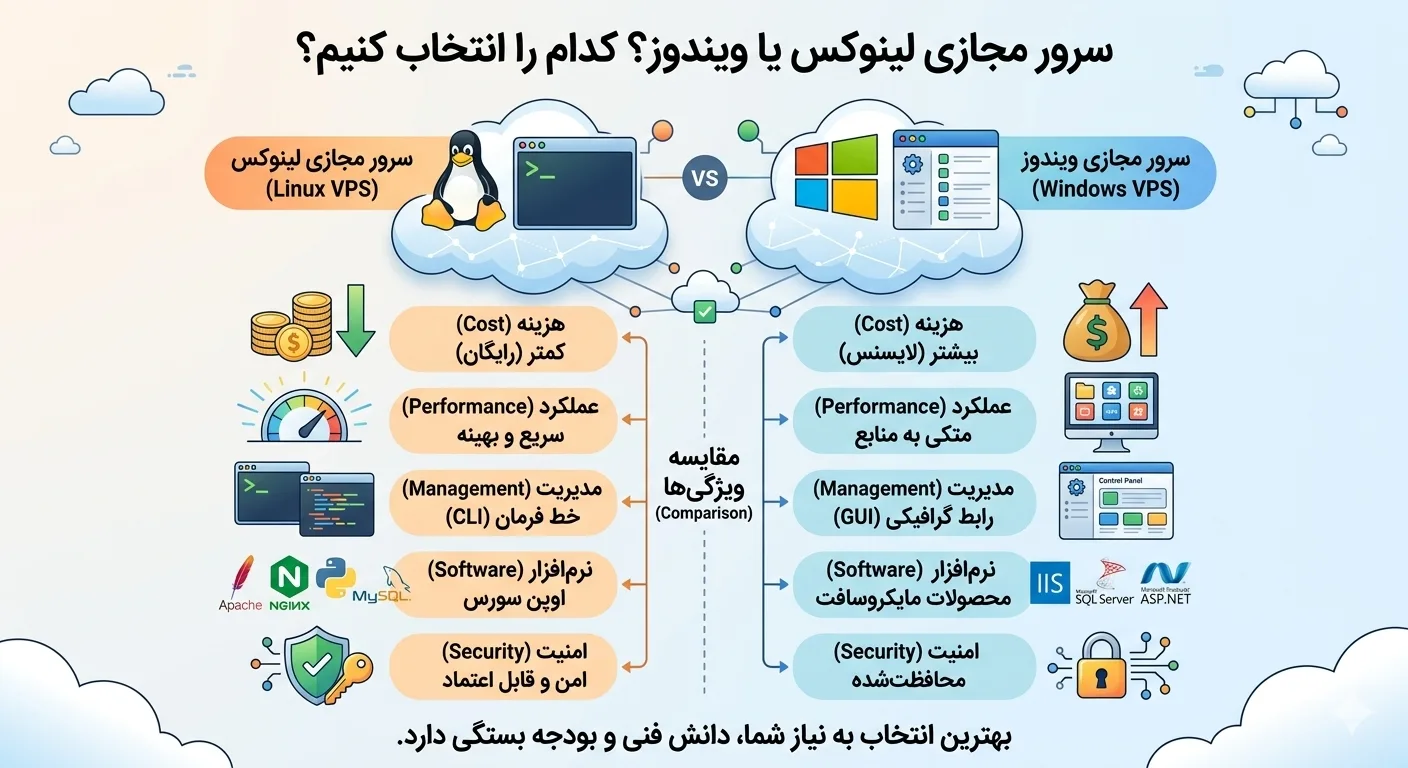
Linux or Windows virtual server? Complete comparison of cost, performance, security, compatibility and applications of these two operating systems to know the best choice for your project.
10 min read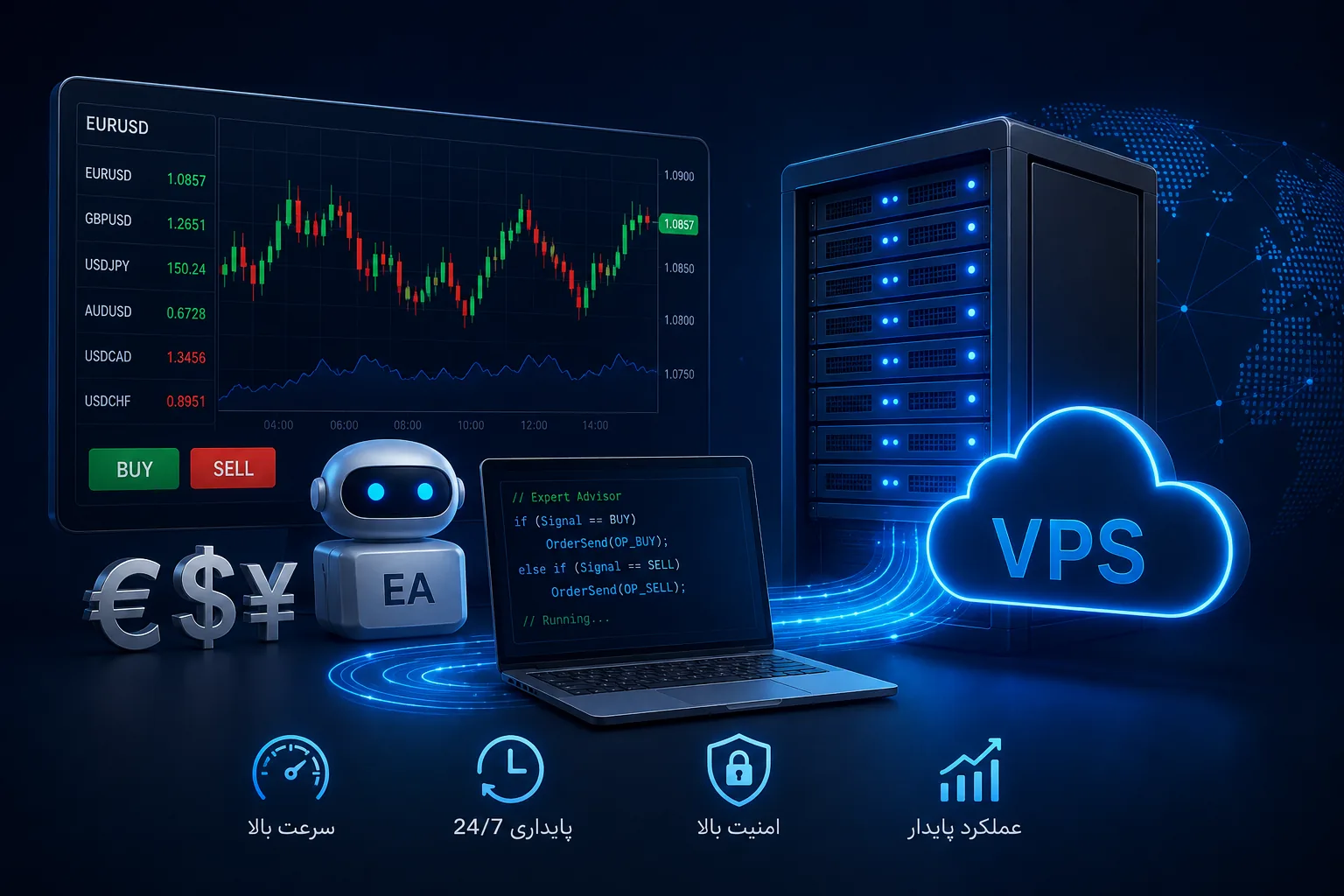
Guide to choosing and setting up a Forex virtual server: round-the-clock implementation of Metatrader and trading robots, the importance of low latency and stability, required resources and security tips.
10 min read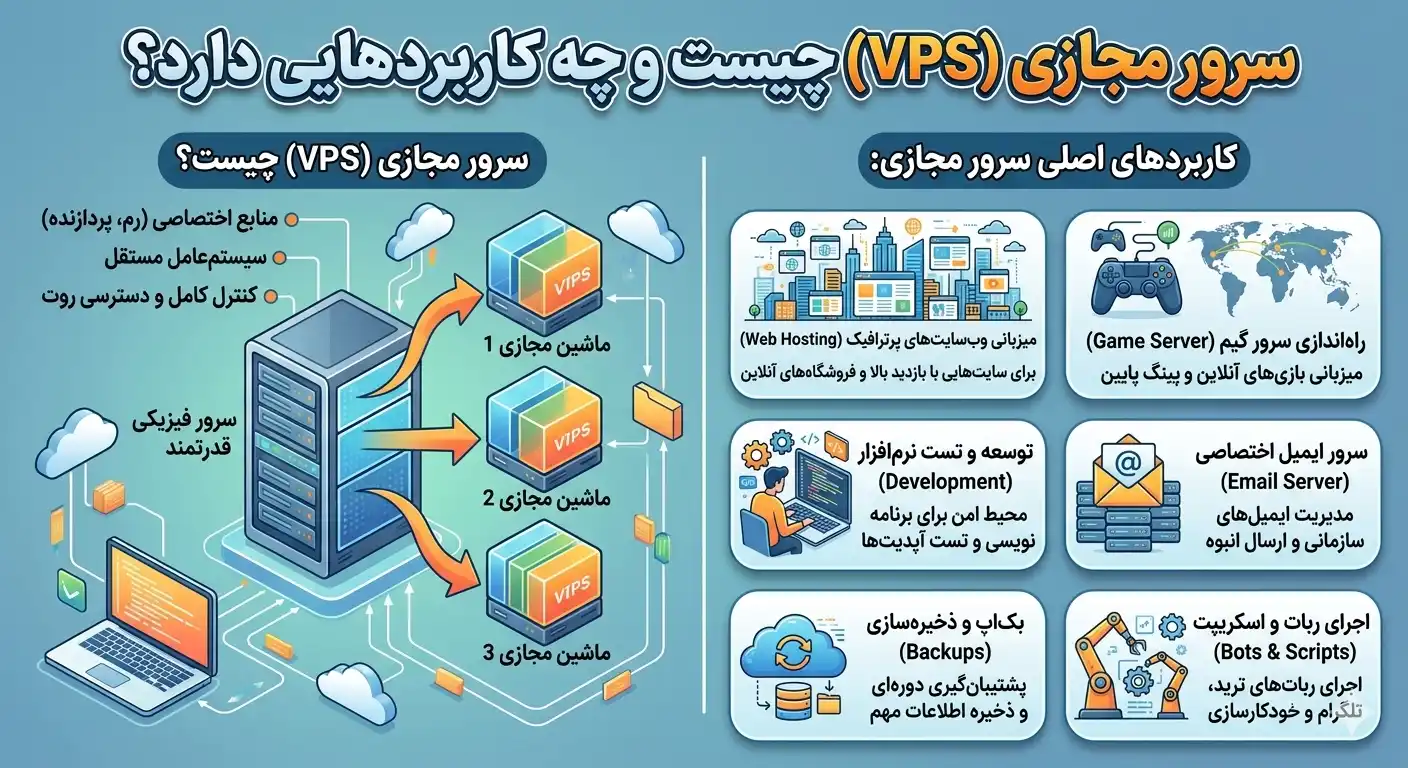
What is a virtual server? In this complete guide, get to know the concept of VPS, how it works, types, advantages, disadvantages and applications of virtual server and know the best choice for your project.
10 min readCreate an account, choose the resources you need and get your server instantly.
Create an account and order