Low overhead, more power
Linux uses almost no resources when idle. A real website can run on one gigabyte of RAM — something that is not practical on Windows.
A light, fast server with full root access — the default choice for hosting websites, APIs, Docker and any service that has to run without interruption.
A Linux VPS is the most common choice for web hosting, and the reason is simple: Linux has very little overhead. The resources Windows spends on a graphical interface and background services go straight to your site and application on Linux. In other words, for the same money you buy more power for real work.
With root access, the server becomes exactly what you want: install any version of PHP, Node, Python, MySQL or PostgreSQL, any web server (Nginx or Apache), any caching layer (Redis or Memcached) and any other tool, and configure it precisely to your needs. There are no host-imposed limits in your way.
If you are not familiar with the command line, don't worry: you can install free control panels such as CyberPanel or ready-made install scripts and handle everyday tasks from a graphical interface. Our articles section also has a collection of step-by-step tutorials, from connecting over SSH to installing Nginx and Docker.
At Rapido Server, Ubuntu, Debian, CentOS, AlmaLinux and Rocky Linux are available, and choosing or reinstalling the operating system is done from your user panel without a ticket. The server runs on NVMe storage, has a dedicated IP and is delivered less than a minute after payment.
Real, live prices for a few popular configurations — the same amount that appears on your invoice.
| Plan | CPU | RAM | NVMe disk | Initial traffic | Monthly price | Order |
|---|---|---|---|---|---|---|
| Starter | 1 core | 1 GB | 20 GB | 150 GB | 900,000 Toman | Order |
| Basic | 2 cores | 2 GB | 40 GB | 150 GB | 1,800,000 Toman | Order |
| Pro | 4 cores | 4 GB | 40 GB | 150 GB | 2,880,000 Toman | Order |
| Power | 8 cores | 8 GB | 40 GB | 150 GB | 5,040,000 Toman | Order |
Want to tune the resources to exactly what you need? The custom server configurator fetches the price of any combination from the server instantly.
Linux uses almost no resources when idle. A real website can run on one gigabyte of RAM — something that is not practical on Windows.
Install and configure any version of PHP, Node or Python, any database and any web server yourself. There are no limits imposed by the host.
The UFW firewall, SSH key authentication, Fail2ban and free SSL certificates — every server-hardening tool is available, and our articles section has a tutorial for each one.
Docker, Kubernetes, job queues, cron jobs and any microservice architecture are native to Linux. Tools are written for Linux, not the other way round.
Your server is delivered less than a minute after payment, and CPU, RAM and disk can be increased later from your user panel without losing data.
More than thirty tutorials on Linux and server management are available, and for infrastructure issues our technical team is available every day of the week.
WordPress, WooCommerce, Laravel, Django or any web application. You set the PHP version, caching and web server configuration exactly the way you need them.
Node, Python or Go services that must always be available. With systemd you turn them into permanent services that come back up automatically after a server restart.
Several containers side by side — application, database, cache and proxy — on one server. With Docker, moving an environment between development and production becomes simple and repeatable.
A Telegram bot, a data crawler or any cron job that has to run on time. These services use few, predictable resources on Linux.
For most users the practical difference between distributions is small, and a wrong choice is reversible: reinstalling the OS from your user panel takes a few minutes.
| Distribution | Best for | Note |
|---|---|---|
| Ubuntu Server | Beginners and most projects | The largest body of tutorials and online Q&A |
| Debian | Services where stability comes first | More conservative packages and lower-risk updates |
| AlmaLinux | CentOS-like and enterprise environments | The practical successor to CentOS, with long-term support |
| Rocky Linux | Compatibility with the Red Hat ecosystem | The second option in the same family as AlmaLinux |
| CentOS | Legacy projects that depend on it | Not recommended for new projects |
Unlike Windows, Linux really does work with modest resources. For a typical website, one to two gigabytes of RAM is a sensible starting point, and if it is not enough, an upgrade from your user panel takes a few minutes and leaves your data untouched.
If you have no prior experience, pick Ubuntu Server: it has the most tutorials written for it, and whatever error you hit, someone has probably asked about it before you. For a typical website, the practical difference between distributions is negligible.
Change the root password, enable SSH key authentication, disable password logins and turn on the UFW firewall so only the ports you need stay open. These three steps neutralise most automated attacks from the start.
Install Nginx, point your domain at the server's IP and get a free SSL certificate from Let's Encrypt. Browsers today mark sites without HTTPS as not secure, and Google treats it as a negative signal too.
A simple cron job that backs up your database and files every night and sends the copy somewhere outside that server is the cheapest insurance you can buy. Rebuilding the server does not bring back old data.
The price is built from the resources you choose: cores, RAM, NVMe disk and traffic. The table on this page shows live prices for a few popular configurations. Because Linux has little overhead, you usually get the same result with a cheaper configuration than its Windows equivalent.
Ubuntu, Debian, CentOS, AlmaLinux and Rocky Linux are available. Choosing and reinstalling the operating system is done from your user panel without a ticket, so if your first choice does not suit you, you can change it in a few minutes.
Yes. You can install free control panels such as CyberPanel and handle everyday tasks like creating sites, databases and email accounts from a graphical interface. Our articles section also has step-by-step tutorials, from connecting over SSH to installing Nginx and Docker.
Over SSH. On Windows use PowerShell or PuTTY, and on macOS and Linux use the terminal, with the server's IP and the root password from your user panel. Our SSH connection tutorial explains all three cases with screenshots.
For a typical WordPress site with moderate traffic, one to two gigabytes of RAM and one to two cores are enough. If you run a WooCommerce store with a large database and heavy plugins, start with four gigabytes of RAM. Upgrades later happen without losing any data.
Yes, there are no restrictions. With root access you can install any software, including Docker and Docker Compose. A tutorial on installing and configuring Docker on a VPS is published in our articles section.
The first three steps have the biggest impact: SSH key authentication instead of passwords, disabling direct root login with a password, and turning on the UFW firewall so only the ports you need stay open. A complete Linux VPS hardening guide is available in our articles section.
Delivery is instant. As soon as your payment is confirmed, the server is created and its IP address, username and password are placed in your user panel. The whole process usually takes less than a minute, and you can connect over SSH straight away.
A graphical console (VNC) is always available in your user panel, even when the server's network has a problem. So if you make a wrong firewall or network change, you do not lose access completely and can fix it from that console.
Backing up the data on your server is your responsibility. We recommend setting up a nightly cron job that sends a backup to a destination outside that server. Our article on server backup best practices explains how to do this step by step.
Before you buy or after your server is delivered, these guides help the most.
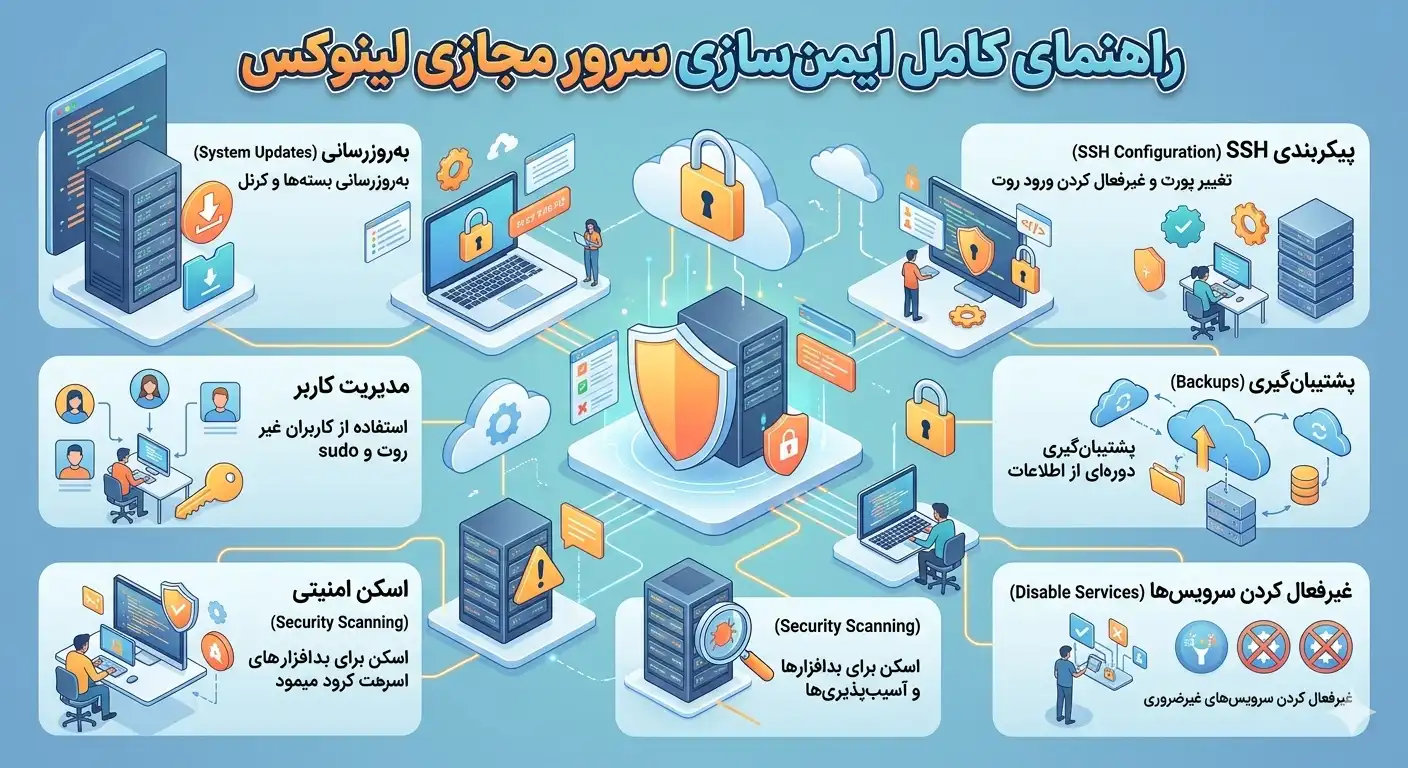
Step-by-step guide to securing your Linux virtual server: SSH hardening, key authentication, UFW firewall, Fail2ban and auto-update to fully protect your VPS.
9 min read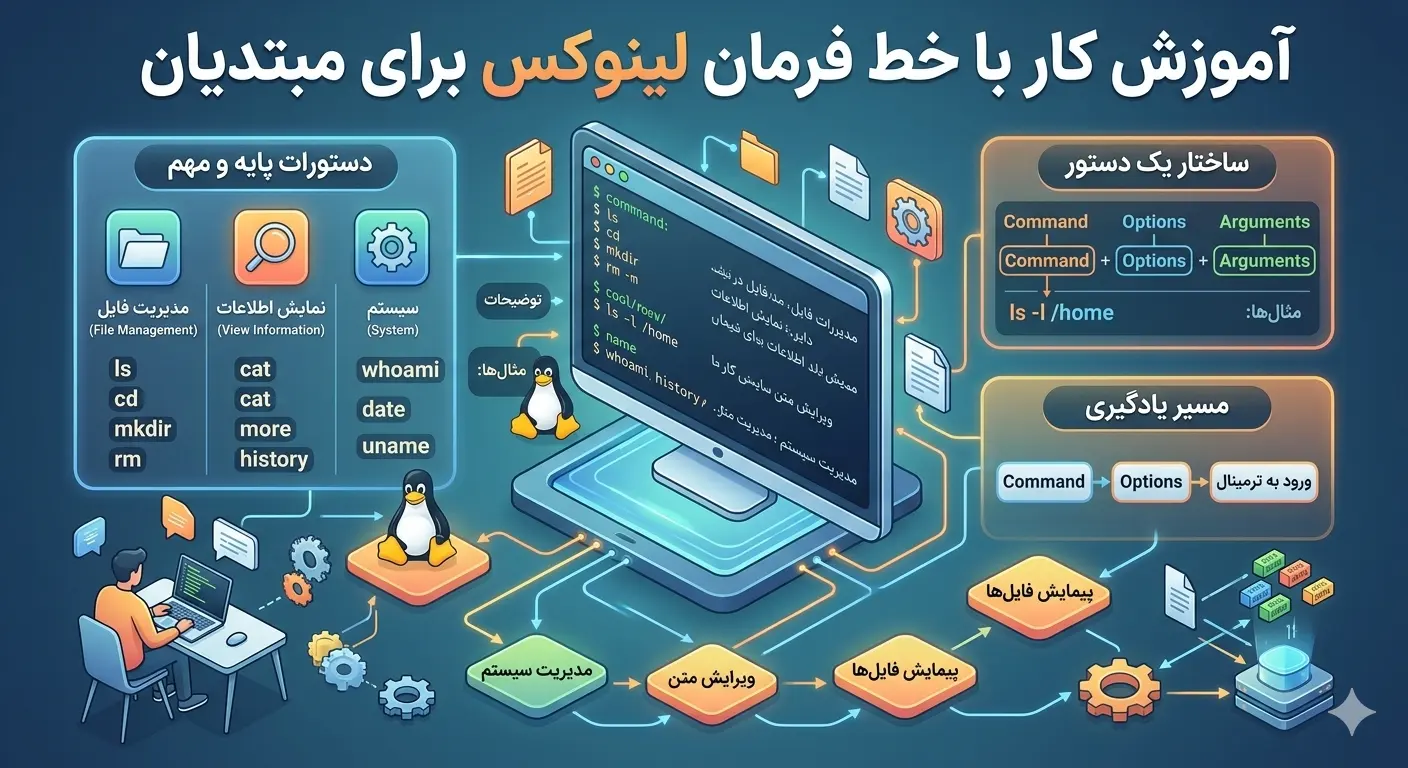
Linux command line training from scratch for beginners; Browse files, manage folders, permissions, search with grep and find, manage processes and install packages with apt.
10 min read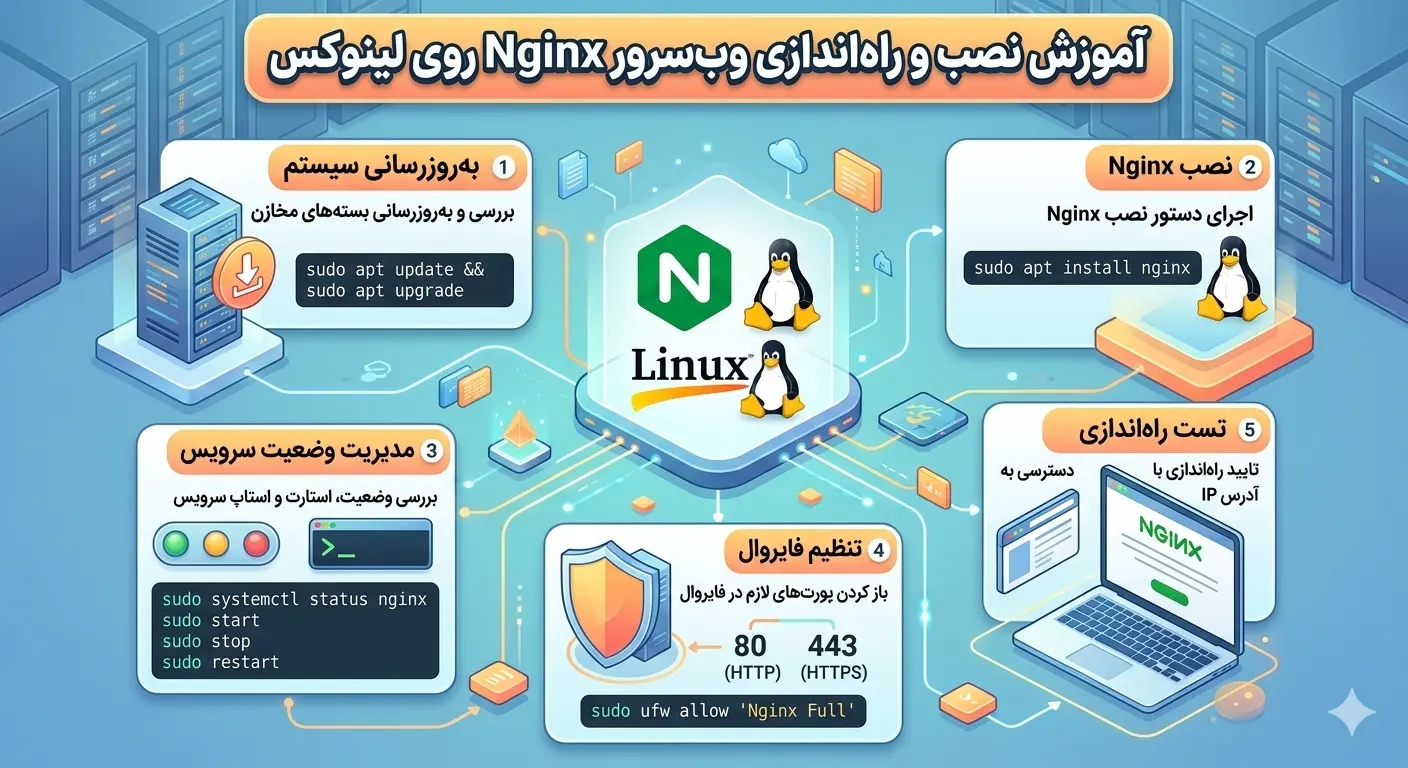
A complete guide to installing Nginx on Linux; Configure server block, reverse proxy, enable free HTTPS with Let's Encrypt and optimize web server performance and security.
10 min readCreate an account, choose the resources you need and get your server instantly.
Create an account and order