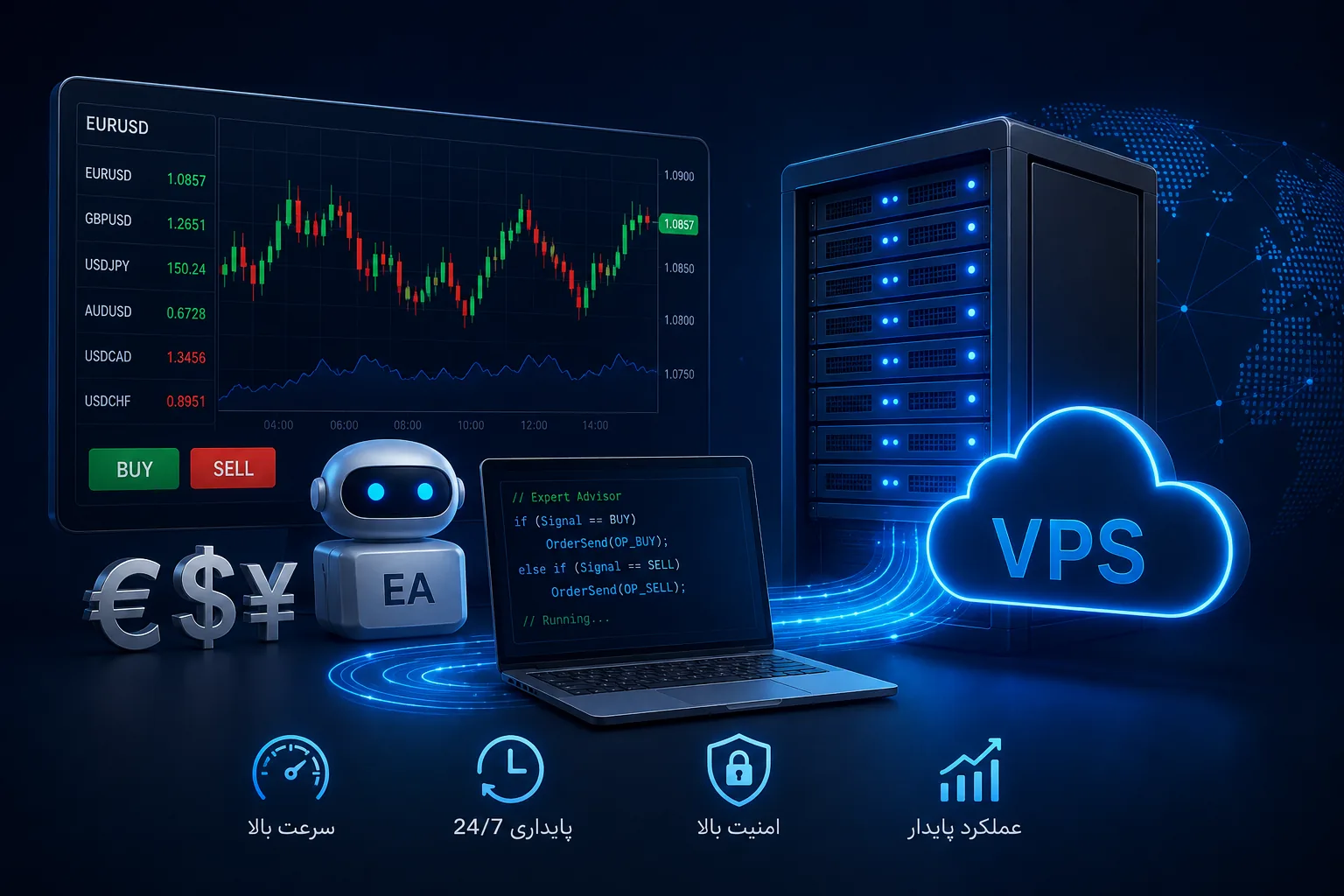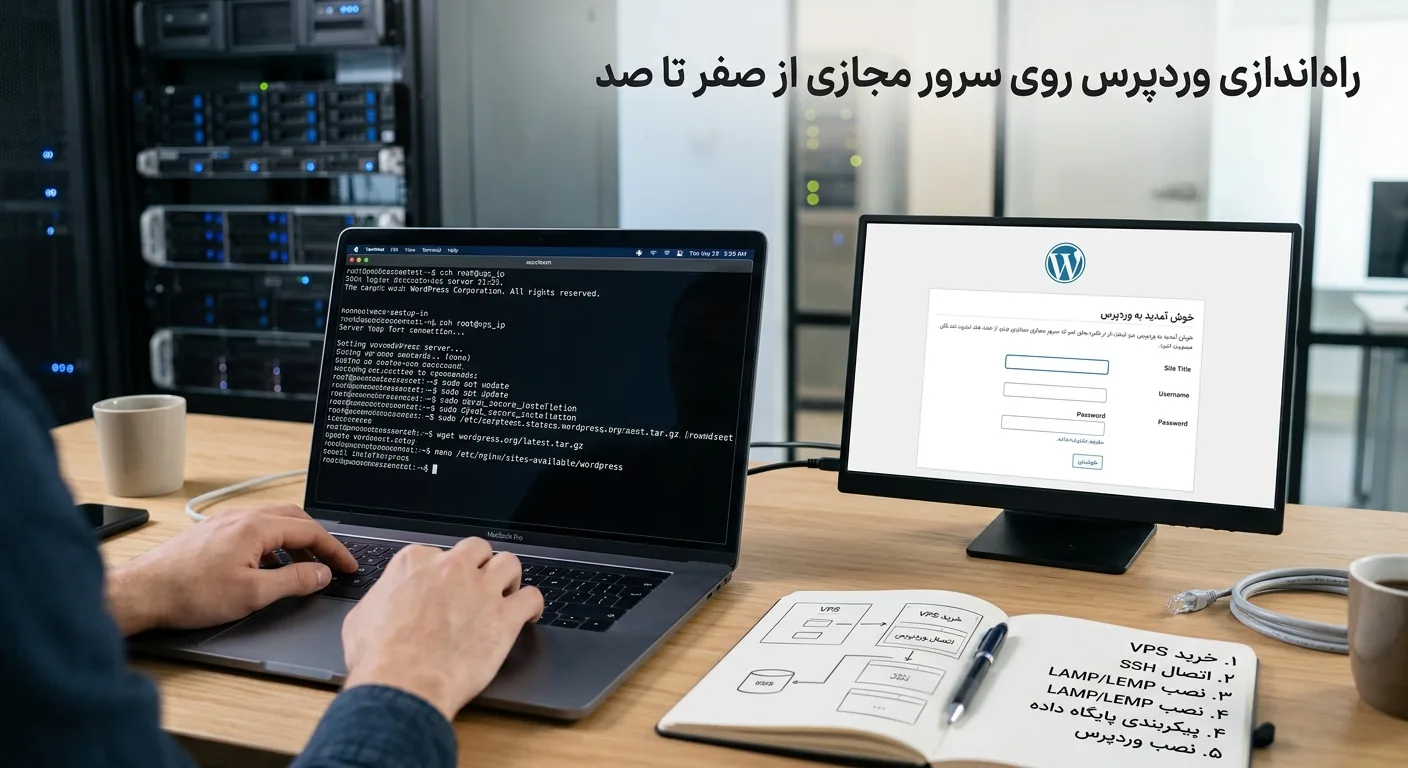
Choosing the right online store hosting is one of the infrastructure decisions that will determine the success or failure of an online business. Unlike a simple blog, an online store has to deal with secure payments, warehouse management, banking portal, variable traffic and sensitive customer data all at the same time. In this article, we will examine exactly what server to buy for the online store, what resources we need, and how to avoid slowness and outages on peak sales days.
Many stores start with a cheap shared hosting and at first glance everything goes well; But as soon as they run a successful advertising campaign or are in the sales season, the site slows down, the shopping cart doesn't open, and customers leave the site without making a purchase. The purpose of this guide is to make the right decision right from the start.
Why is online store hosting different from regular hosting?
A referral-based corporate site usually has static content and does not load the server too much. But an online store is dynamic in nature: each visit includes product search, filtering, adding to cart, price calculation and connection to the payment gateway. Each of these operations puts pressure on the database and the processor.
In addition to the higher processing load, stores deal with sensitive data such as user information and financial transactions. For this reason, security, valid SSL certificate and payment stability are indispensable requirements. An outage of a few minutes at the moment of payment can mean the loss of a customer and damage to the brand's reputation.
Note: In the online store, the speed of the product page and the stability of the payment gateway directly affect the conversion rate; Never sacrifice these two for saving.
What kind of server is suitable for an online store?
Choosing the type of hosting depends on the growth stage of your business. In the following, we examine three common scenarios.
Starting stage: small and newly established stores
If you are just starting out and have a few tens of visitors per day and a limited number of orders, a high-quality shared hosting or the smallest virtual server plan can be a good starting point. But even at this stage, it is recommended to go for a provider that has simplified the path of upgrading to higher resources.
Growth stage: Medium stores
When the daily traffic reaches several hundred visits and dozens of orders, it is time to migrate to a dedicated virtual server. A virtual server gives you guaranteed resources and makes your site's performance not dependent on the behavior of neighboring sites. For this step, buying a virtual server with moderate resources and the possibility of gradual upgrades is the best balance between cost and performance.
Maturity stage: high-traffic stores
Big stores with thousands of daily visits and heavy campaigns need a cloud server or a dedicated server with high resources. The advantage of the cloud server at this stage is the instant scalability; That is, you can temporarily increase resources on high-selling days and decrease it after the end of the campaign.
How much resources (CPU, RAM and disk) do we need?
One of the most frequent questions is how much resources are enough for an online store. The exact answer depends on the number of products, plugins, and traffic, but the table below gives you a rough starting point:
| Store scale | CPU | RAM | disk (NVMe) |
|---|---|---|---|
| Newly established (less than 100 visits/day) | 1 to 2 cores | 2 GB | 20 to 40 GB |
| Growing (several hundred views/day) | 2 to 4 cores | 4 GB | 50 to 80 GB |
| High traffic (thousands of visits/day) | 4 to 8 cores | 8 GB and above | 100 GB and above |
Note that WooCommerce and heavy plugins increase the RAM consumption greatly. If you use a lot of plugins, it's better to consider the RAM to be high so that you don't run out of memory during peak hours.
Important features of the online store
Beyond raw resources, there are several features that are mandatory for an online store:
- Valid SSL certificate: Without HTTPS, browsers will view your site as insecure and payment gateways won't trust it.
- Automatic daily backups: Order and customer data are very valuable and their loss would be catastrophic.
- Protection against DDoS attacks: Successful stores are targeted by attacks and must be resilient against them.
- 24/7 support: does not know the problem of sleeping and waking hours; Shopping can be done at midnight.
- High stability (above 99.9%): Every minute outage means lost direct sales.
- Possibility to upgrade resources quickly: During campaign days you should be able to upgrade resources without migration.
Optimizing the speed of the store on the server
Buying a strong server is half the way; The other half is getting it right. Some key actions that will multiply the speed of your store:
Using cache
Caching systems pre-generate pages so that the server doesn't have to rebuild everything for each visit. Page level cache, object cache and browser cache, all three are effective in reducing server load.
Database optimization
A store's database fills up with extra data (saved reviews, abandoned carts, and logs) over time. Regular database cleanup and optimization improves responsiveness.
# نمونه دستور بهینهسازی جداول در MySQL/MariaDB
mysqlcheck -o --all-databases -u root -p
# فعالسازی کش OPcache در PHP (php.ini)
opcache.enable=1
opcache.memory_consumption=256
opcache.max_accelerated_files=20000Using CDN and compressing images
Product images are usually the heaviest part of the page. Compressing images and using a content distribution network (CDN) reduces the load on the main server and allows users to access content faster in different locations.
Tip: Before any big sales campaign, be sure to do a load test on the site to discover the weak points before the customers.
Common mistakes in choosing store hosting
In the path of choosing a web store host, these mistakes are seen the most:
- Choosing hosts based on the cheapest price: Slowness and reliability will pay back the initial savings many times over.
- Not considering future growth: Buy a host that will grow with you.
- Ignore server and payment gateway location: If clients and banking gateway are internal, server with lower ping makes more sense.
- Not having an independent backup program: In addition to the provider's backup, keep a separate backup yourself.
To fully set up a store, you need a professional domain in addition to a suitable server, which you can do through domain registration. If you want to learn more about infrastructure and optimization, the Rapido Server Articles collection has many useful resources.
Payment security and customer data protection
In an online store, customer trust is the biggest asset. Users provide you with their personal and banking information while shopping, and the slightest sign of insecurity makes them run away. That's why infrastructure security is not an additional feature, but the foundation of your business.
Basic security requirements
Every online store must comply with at least these security standards in order to protect customer data and gain their trust:
- Encryption with HTTPS: All communications must be encrypted so that information cannot be eavesdropped in transit.
- Regular Update: Store plugins, themes and core should always be updated to close known security holes.
- Strong passwords and two-step login: Especially for admin panel which is the key to login to the whole store.
- Web Application Firewall (WAF): To detect and block malicious requests before they reach the site.
- Limit failed login attempts: To prevent password guessing attacks.
Tip: Never save customers' bank card information on your own server; Leave it to trusted payment gateways that have the responsibility and security infrastructure.
The role of technical support in the success of the store
Unlike content sites, an online store has little tolerance for outages and errors; Because being unavailable at any moment directly means lost sales. For this reason, the quality and speed of technical support of hosting providers is one of the most determining factors of success.
Good support means that when your site crashes in the middle of the night, someone is there to respond quickly and fix the problem. Before choosing a host, check the communication channels (ticket, phone, chat), response times and technical knowledge level of the support team. Send a test ticket and see how quickly and accurately they respond; This is the best predictor of their behavior in real crises.
Note: For a store, 24-hour support is not a luxury, it is a necessity. Shopping happens at any hour of the day and night, and so does the problem.
Variable traffic management and seasonal campaigns
One of the biggest challenges of online stores is the unpredictable nature of traffic. On normal days, you might get a few hundred hits, but at a sales festival or after a successful promotion, that number suddenly multiplies. If your infrastructure is not ready for this leap, the site will be unavailable at exactly the most profitable moment.
The solution to this problem is to choose a scalable infrastructure. Cloud servers allow you to temporarily increase resources on the eve of a campaign and return to normal after it ends. This flexibility allows you not to pay additional fees on normal days and not to face a lack of resources during peak traffic.
Planning for peak days
Before any big campaign, take these steps to make sure the site is stable:
- Run a load test on the site to measure the actual capacity of the server.
- Enable and configure system cache to reduce processing load.
- Coordinate with hosting providers about the possibility of temporarily upgrading resources.
- Take a full backup of the site and database to recover quickly in case of problems.
- Monitor site performance live during the campaign to identify issues early.
Choose between internal and external data center for the store
Server location is very important for an online store. If your customers are mainly inside Iran and you use domestic banking payment gateways, a server with a lower ping will provide domestic users with a smoother shopping experience and the connection speed to the payment gateway is better.
On the other hand, if part of your audience is international or you connect to foreign services, an overseas server may be a better option. The best approach is to first know your target market and customer behavior carefully and then choose the server location based on that.
summary
Online store hosting should be based on three pillars: speed, stability and security. By knowing the growth stage of your business, choosing appropriate resources, paying attention to critical features such as SSL and daily backup, and properly optimizing the server, you can create a smooth shopping experience for customers and maximize sales even on high-selling days without worrying about outages. The right infrastructure decision is the foundation on which all your marketing efforts are built.
Frequently asked questions
Can I run my store on shared hosting?
In the early stages and with low traffic, yes; A good quality shared hosting can be enough. But as soon as traffic grows and orders increase, migration to a virtual server with guaranteed resources becomes necessary to avoid slowness and outages.
How much RAM is needed for a WooCommerce store?
For a growing WooCommerce store, at least 4GB of RAM is recommended. If you use a lot of heavy plugins or the number of products is high, it's better to consider 8 GB or more so that you don't run out of memory during peak hours.
How to prepare my store site for high-selling days?
Before the campaign, enable the system cache, optimize the database, compress the images and perform a load test. Also, if you are on a cloud server, coordinate the possibility of temporarily increasing resources in advance so that you do not face a lack of resources at the moment of peak traffic.
Is an SSL certificate required for an online store?
Yes, it is absolutely required. Without SSL, browsers will view your site as insecure, customer trust will be lost, and many payment gateways won't connect to your site without HTTPS. Fortunately, most reputable providers offer free SSL certificates.